Business Accounting Software
Buy Only the Accounting Modules You Need, Integrate More Later as You GrowEverything you expect from a leading business accounting solution, plus the tools to manage cash flow, monitor profitability, analyze trends, track inventory, and make informed financial decisions based on real-time accounting data. Let us show you how DENALI Business Accounting can serve your business.
Key Benefits / Features
Advanced, multi-tiered security system that allows system rights to be established for users by application and function, reduces opportunity for employee error, theft or embezzlement.
Integrated modules so that posting in one automatically updates all; saves you time and decreases errors
Drill down and quick lookups. Find customer information, including buying history, instantly, increasing customer satisfaction and saving time
Process customer payments and make payments to vendors via electronic funds transfer. Reduces paperwork; speeds up your accounts payable and accounts receivable
One step backup can be sent to hard drive, CD/DVD or other removable media. Safeguards irreplaceable data
Unlimited history storage. Saves customer history for the timeframes you establish
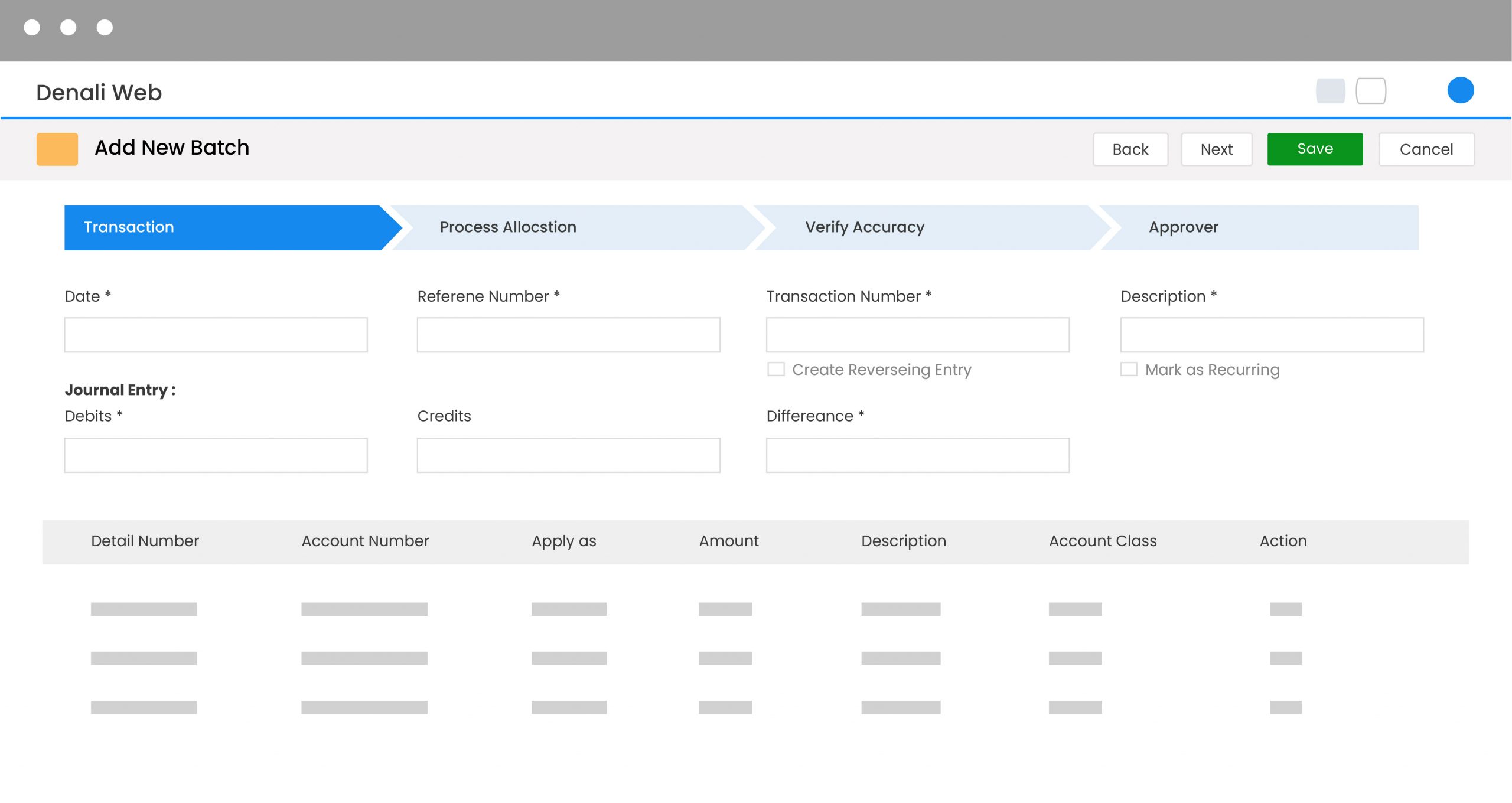
Run single or multiple-batch processing. Allows multiple users to enter data at the same time and sort batches by date, transaction type, etc. Saves time, reduces errors, allows inter-departmental and company cooperation and efficiencies
Universal Bridge imports transactions from external files into General Ledger, Accounts Payable, Accounts Receivable, Inventory and other modules. You dont have to enter data more than once; simplifies the move up from another accounting package
Customizable, user defined reports. Create your own or choose from a list of customizable reports, including statements, invoices and receipts
DENALI Business Packages & Pricing Save money with these convenient packages...
 BaseCamp The accounting tools you need to start and grow your business.  Ascent Ideal for established businesses that have grown beyond the basics.  Summit Designed for businesses trying to reach their peak.
Customer Management Print any message upcoming sales, special greetings and promotions on statements.
Create custom statement formats for preprinted forms or plain paper statements.
Clear, easy-to-understand AR Customer Statement identifies the details of payments being applied to invoices, even those that have already been purged from the AR Statement.
The Invoice to Payment and Payment to Invoice Reports compare various payments and invoices to aid customer service and troubleshooting efforts.
Easily print out customer mailing labels.
Define a special discount when receiving payments.
Apply one payment to as many as 250 invoices.
Use Hot Key lookups by customer name or number, or quickly view detailed customer file information, including credit limit, collection status, finance charges, YTD charges, and YTD payments.
Enter a virtually unlimited number of customers and transactions.
Track customers open credits.
Place customers on hold for credit, and warnings will automatically appear in Order Entry.
Assign credit limits to customers and warnings will automatically appear in Order Entry when limits are exceeded.
Process finance charge calculations. Specific finance charges can be assigned to individual customers.
Customer reports include: Customer List Report, Customer Labels, Master Report, Collection Report, Aged Analysis Report, Control Report, History Report, Customer Statements
Inventory Management Manage millions of inventory stock items
Multiple costing options are available to track the value of your inventory - LIFO, FIFO, Standard and Weighted Average
Highly versatile inventory system allows serialized inventory items, lot numbers, alias stock items
Multi-location inventory supported - to keep track of all your inventory in more than one store
Inventory item import / export supported
Global price changes
Updating price changes via a spreadsheet
Stock pricing schemes can be set up by cost or by price, markup or margin. Set item cost by price breaks, multi-pack, coupon/buy down, promotions, discounts, or price level. Even set up special pricing schemes for special customers
Attach images to each stock item to speed checkout - the clerk can verify item against the stock item image while checking out the customer
Download stock item quantities from handheld scanning devices.
Use bill of materials processing to build kits and sell assemblies. Attach non-inventory items to stock items, so when the stock item sells, the non-inventory item appears, too. Great for delivery charges, setup fees etc.
Link a non-inventory item or service to a stock item so when the item sells, the service also appears on the sale.
Inventory Reports include the Inventory Stock List Report, Master Stock Report, Physical Inventory Count Worksheet, Price Book Catalog, Understock Report, Overstock Report, New Promotional Sales Report, On Order Report, Back Order Report, On Hand Report, Valuation Report, Control Report, Labels, History Report, and Movement Report
Ready to see it for yourself?
|
| Often a picture is worth a thousand words, so we recommend you see DENALI for yourself in an online demonstration.
- Find out if we are a good fit
- Take a personalized online tour
- No need to install the program
As a bonus you will receive our guide "How to Successfully Choose an Accounting System"
| |
Tags: software for accounting, small business accounting software, financial software, bookkeeping software, accounting system
<<< go
back to previous page |